Before printing
- Select A4 or US Letter in your print dialog.
- Set scale to 100% or Actual Size.
- Print one page and verify the calibration ruler first.
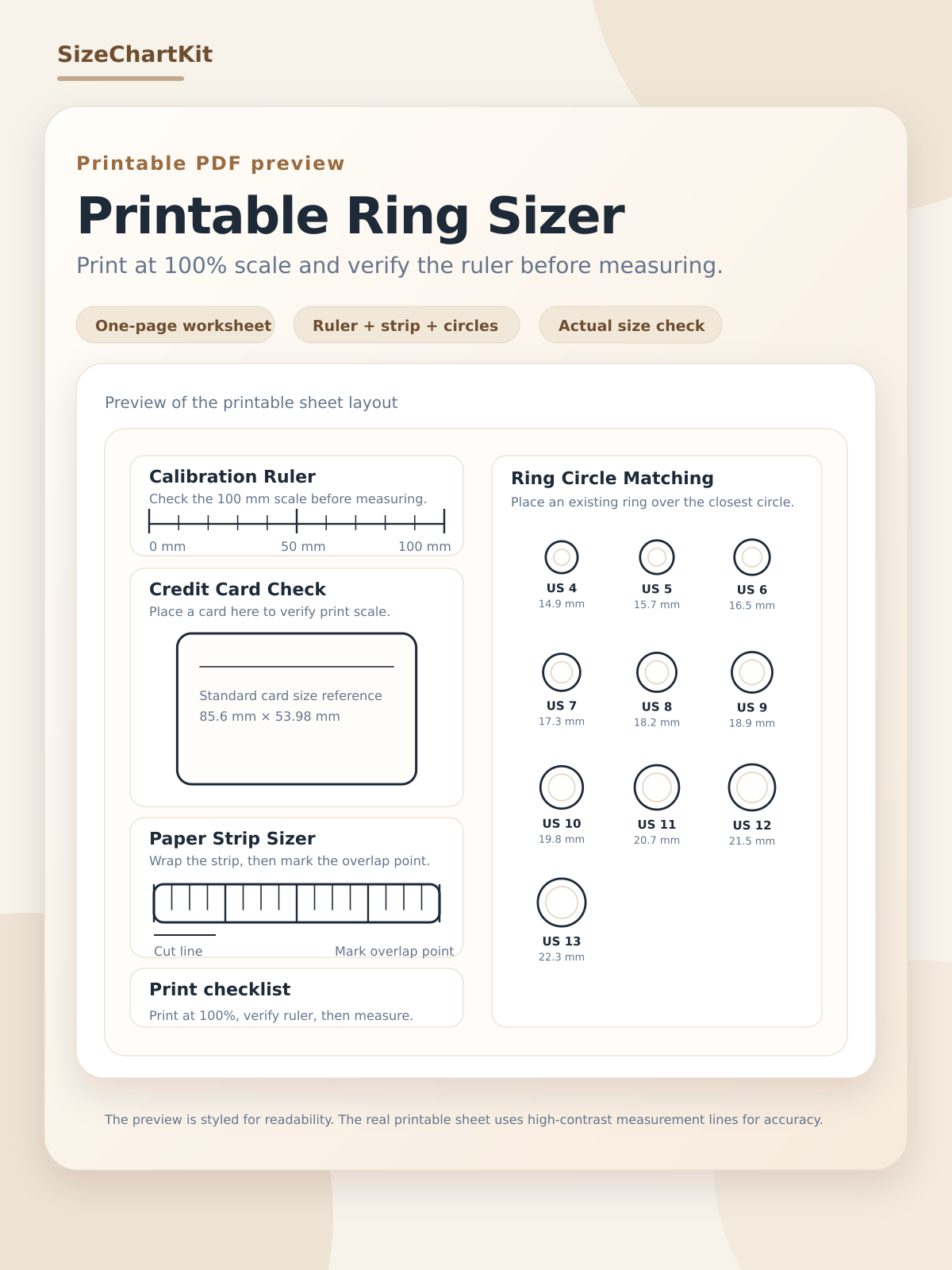
Print this utility sheet for at-home ring sizing using calibration checks, circle matching, and a strip sizer.
Print at 100% scale. Do not use Fit to page.
Print at 100% scale
SizeChartKit
The line below must measure exactly 100 mm.
Your card should match this rectangle exactly.
Credit Card Check
Standard size: 85.6 mm x 53.98 mm
Cut strip and wrap around finger.
Mark overlap point and compare with chart or converter.
Match the inner edge of an existing ring to a circle.
US 4
14.86 mm
US 5
15.70 mm
US 6
16.51 mm
US 7
17.35 mm
US 8
18.19 mm
US 9
18.89 mm
US 10
19.84 mm
US 11
20.68 mm
US 12
21.49 mm
US 13
22.33 mm
Preview the printable ring size chart before downloading. Print at 100% scale and check the calibration ruler before measuring.
Compare rows in the ring size chart, run quick checks in the ring size chart in mm, the ring size converter, use the ring size calculator, and follow the how to measure guide.
It can be accurate if you print at 100% scale and verify calibration with the ruler line and card-size reference box before measuring.
Use the print button, select A4 or US Letter, and disable Fit, Shrink, or Scale to printable area. Keep scaling at 100% or Actual Size.
Reprint with scaling options off and verify again. If the ruler still does not match, try another browser print dialog.
Use circles for an existing ring and the strip for finger measurement. Compare both results if possible for higher confidence.
Cross-check your result with the ring size chart, then verify with the converter or calculator using millimeter values.